Showing posts with label Nextion. Show all posts

Friday, November 23, 2018

Bluetooth Adapter for Nextion User guide


Can also use USBtoTTL adapter


Test: 
AT 

Set Master

AT+ROLE=M

Set Slave
AT+ROLE=S 

Set Baud

Send:AT+BAUD2
Return:OK2400 ,support:
1--------- 1200
2--------- 2400
3--------- 4800
4--------- 9600(Default) 

5--------- 19200
6--------- 38400 
7--------- 57600 
8--------- 115200 
9--------- 230400 
A--------- 460800 
B--------- 921600 
C--------- 1382400 
  

Saturday, June 9, 2018

Flash Nextion Firmware update 2020

Nextion firmware (Model8) 

Model8 requirement
Pi-Star 4.1.2 and update to the last
MMDVM Display Type:  Nextion Layout:ON7LDS L3,


Nextion-editor ,to change your display style 

Format tools:

Download
1. Local , output for Nextion T serial (4MHz memory), clone from PD0DIB 


 2. PD0DIB homepage, you can modify use editor
https://github.com/PD0DIB/Nextion_HAM-radio-screens


2. G4KLX, the original project

Note: HMI file you need to install Nextion Editor, general the tft bin file.

Flash firmware use SD card (TFcard)

Youtube demo: https://www.youtube.com/watch?v=cPOL8UedAGA
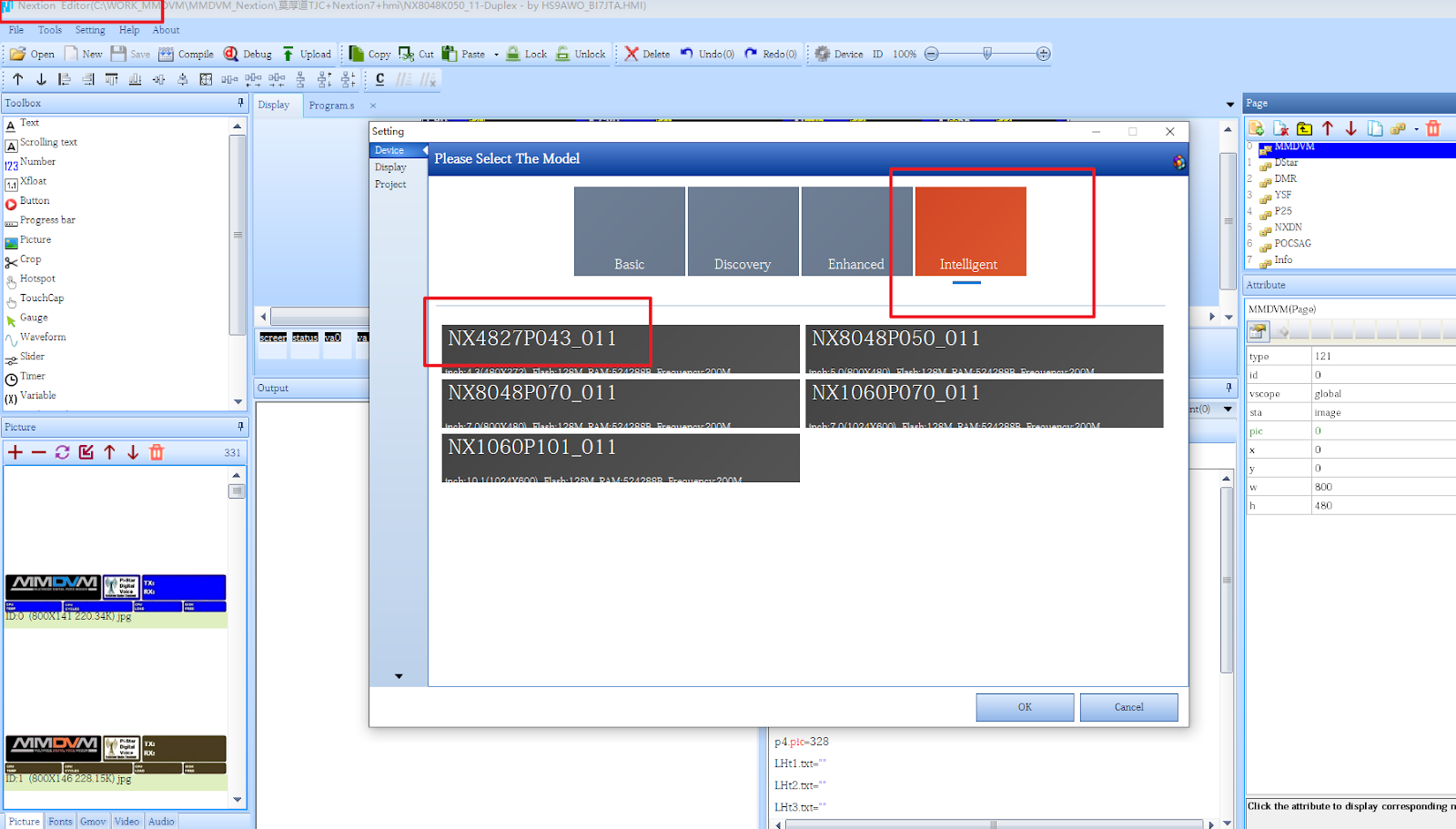


How to output different Model tft file?


What is the difference between Nextion and TJC?


Detail: https://www.bi7jta.org/shop/duplex-hotspot-model-a-3d-white-5inch-33
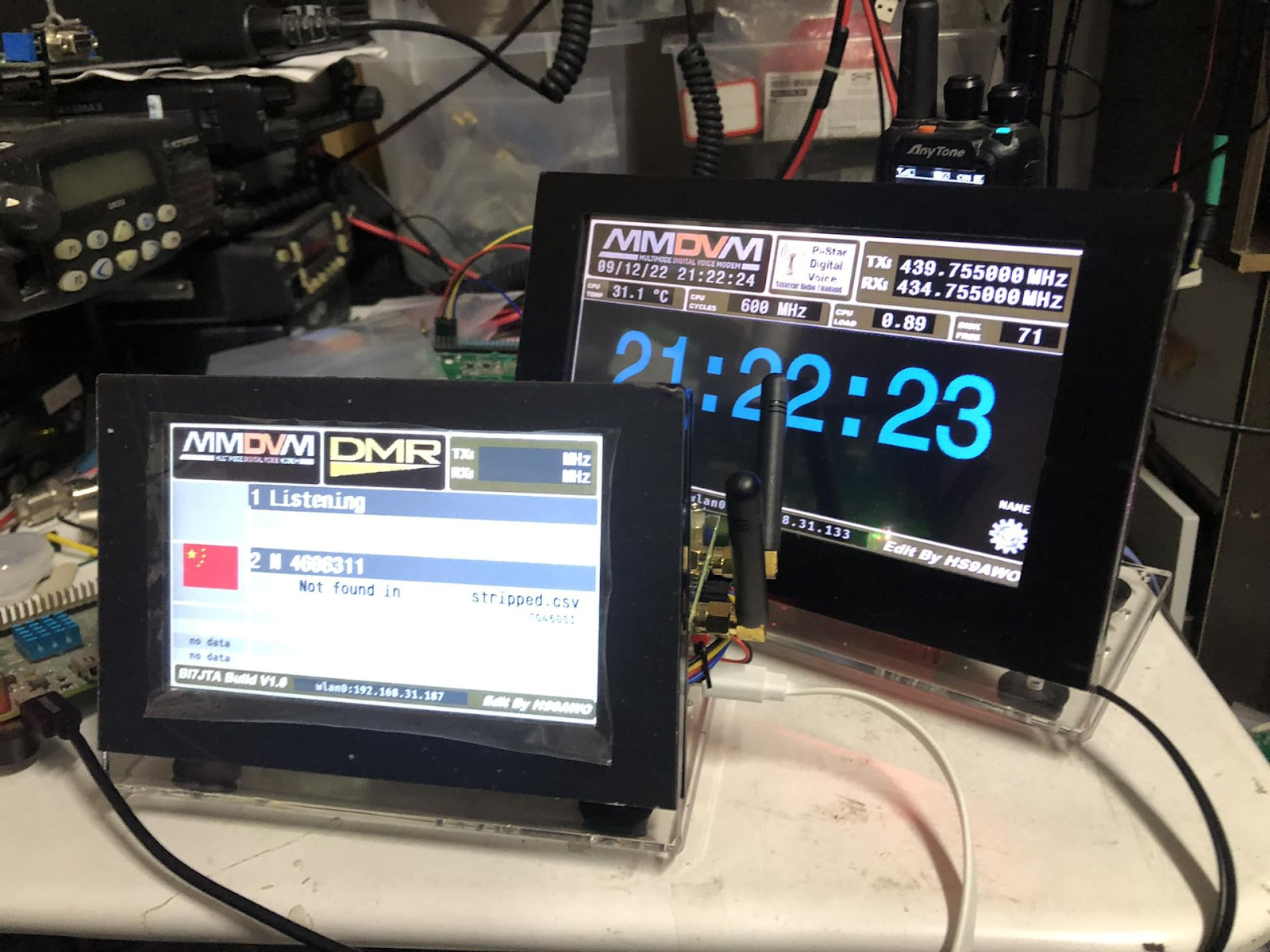
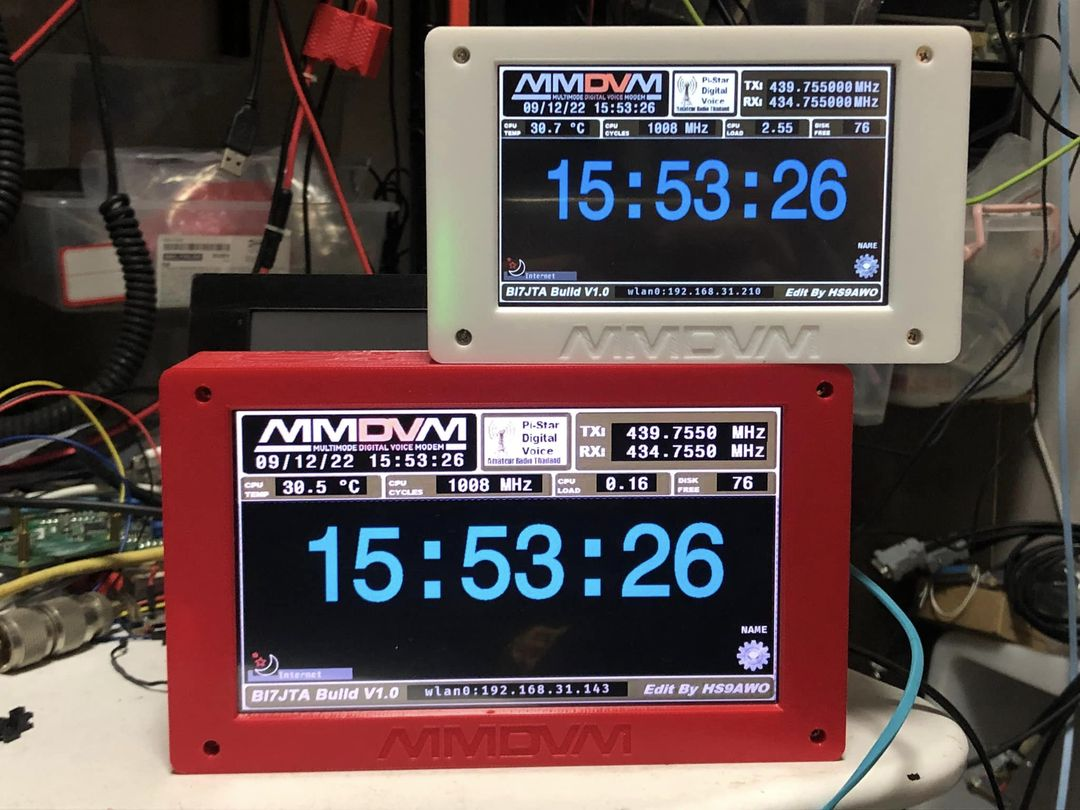
If you not edit/Develop the display content yourself , TJC is enough for use, but use Nextion Model,  you will find more resource in Facebook group https://www.facebook.com/groups/Nextion.

K Serial with More storage capacity, RAM

TJC-Chinese Editor
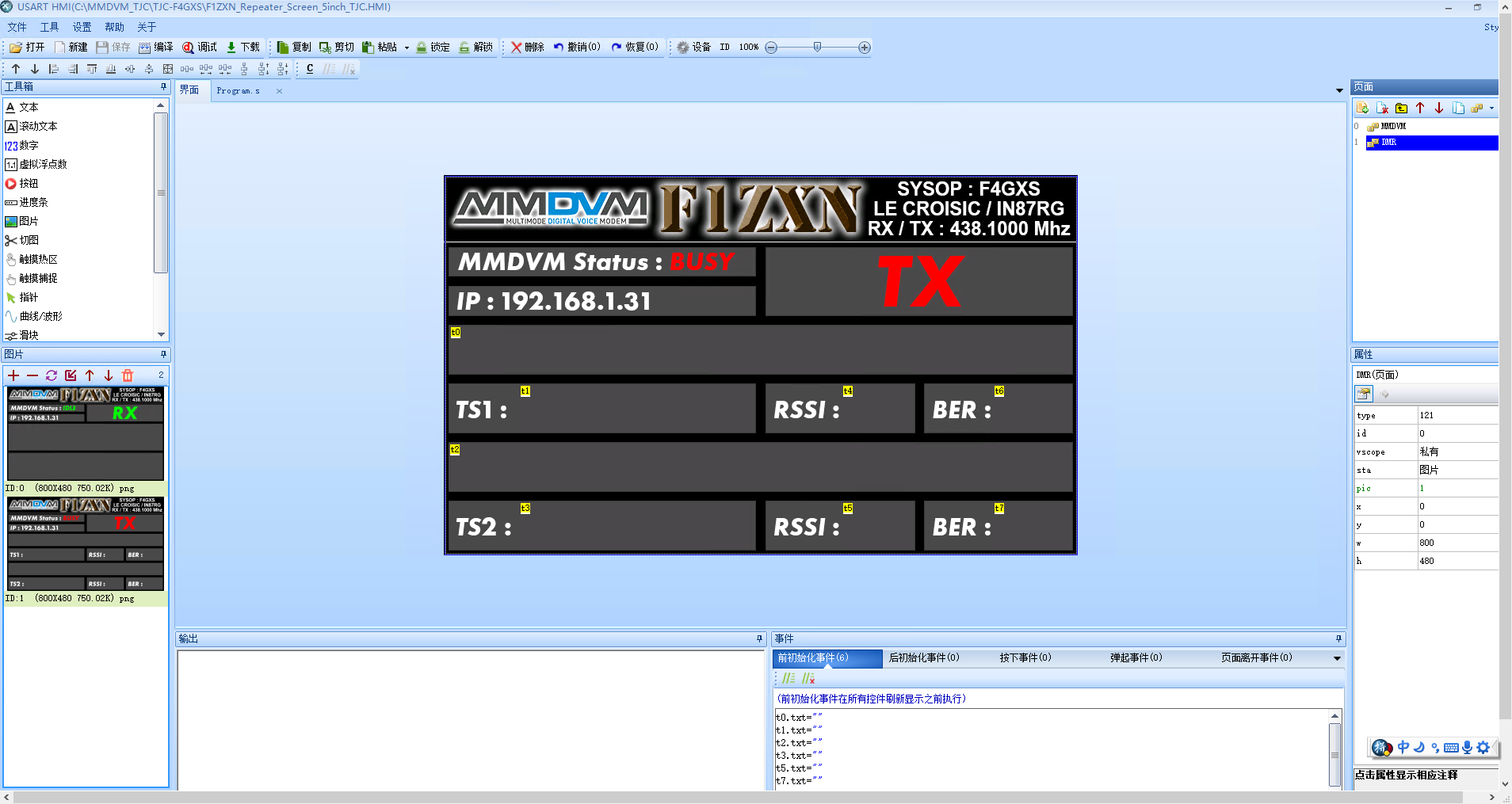


Nextion-English-Editor
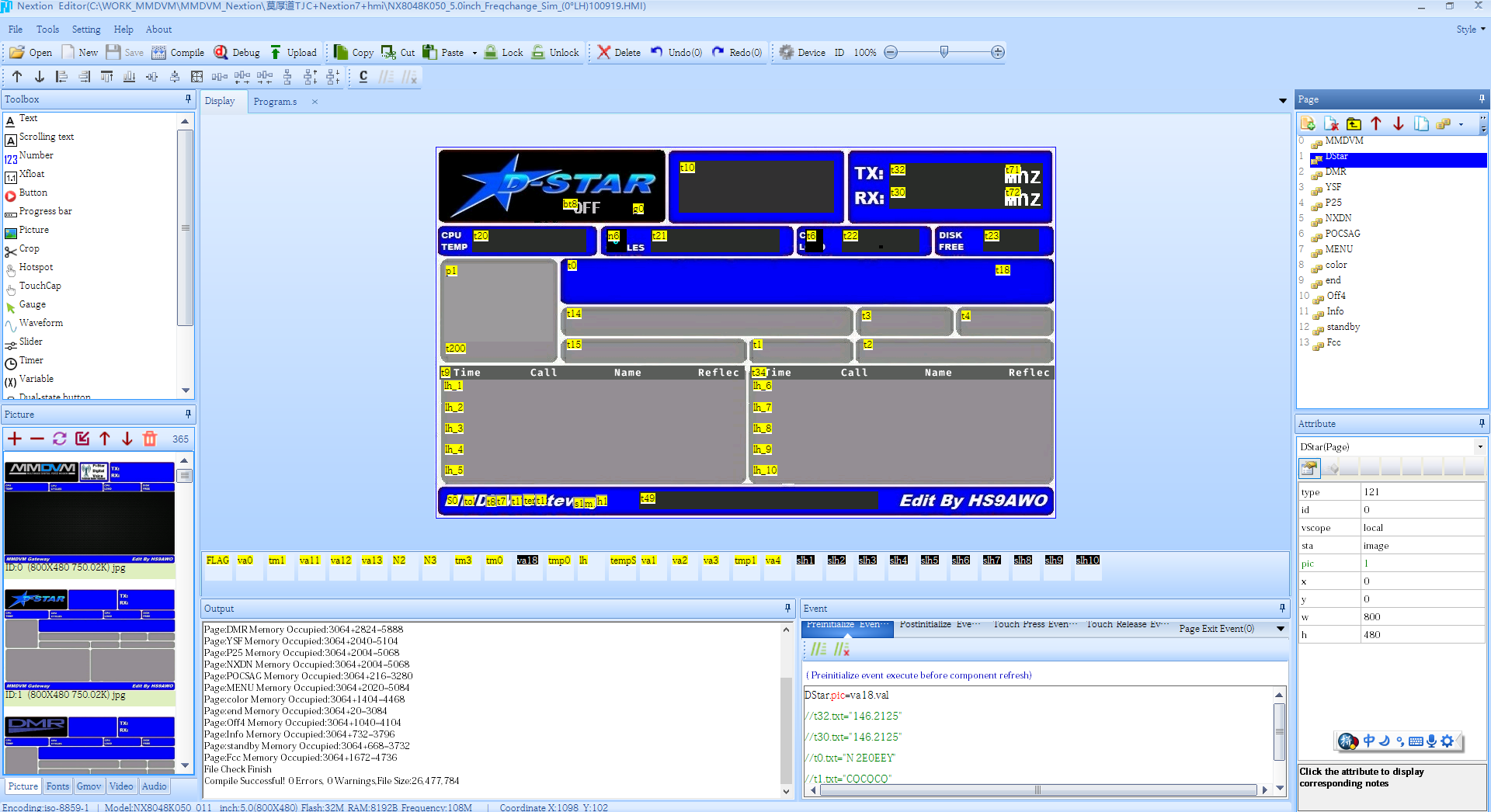


Preview :

https://www.bi7jta.org/shop/duplex-model-a-alc-spot-nx-mmdvm-101#attr=165


https://www.bi7jta.org/shop/duplex-bi7jta-spot-model-a-3d-white-2-4inch-34


Wednesday, May 2, 2018

Nextion LCD for Nano hotSPOT(BlueBox)

It is very easy to add Nextion LCD for Nano hotSPOT(BlueBox),components:  
1) USB to TTL (Suggest CP2102 or CH340)
2) OTG with MicroUSB Cable power  supply
HS RXD to Nextion TX
HS TXD to Nextion RX
HS 5V   to Nextion 5V
HS GND to Nextion GND


Find the component in AliExpress:

https://fr.aliexpress.com/item/CP2102-USB-2-0-to-UART-TTL-5PIN-Connector-Module-Serial-Converter-New-WAVGAT/32796844759.html


https://fr.aliexpress.com/item/Micro-USB-Host-OTG-Cable-HDD-mobile-hard-disk-with-additional-extra-power-charge-microUSB-cable/32811155296.html


LCD protect Case: (Design by @bi7jta)
https://www.bi7jta.org/cart/index.php?route=product/category&path=68


Monday, April 30, 2018

Nextion LCD for Duplex hotSPOT, RPi hotSPOT with fan, Repeater kit board

For Duplex hotSPOT

The are two ways,

1. Use modem in the hotSPOT board, 

4PIN show "LCD", pi-star Config MMDVM Display Type select Nextion -> Modem
HS RXD to Nextion TX
HS TXD to Nextion RX
HS 5V   to Nextion 5V
HS GND to Nextion GND


for Ver1.0.1( !! VCC,GND not same as Ver1.0)

Pi-Star Setting display type


2. Use USB to TTL adapter,


then in pi-star Config MMDVM Display Type select Nextion -> /dev/ttyUSB0
Note: Some USB2TTL adapt not work, had tested CP2102 / CH340 is OK, USB-STC-ISP do not work.
TTL RXD to Nextion TX
TTL TXD to Nextion RX
TTL 5V   to Nextion 5V
TTL GND to Nextion GND


For RPi hotSPOT with fan

1 Use board 4 PINs Display interface, follow the order.
Warning! Can Not Reversal 5V and GND!

2 Use USBtoTTL Adapter

For Repeater kit board


Just can use USBtoTTL Adapter, STM32F105 without serial interface

Nextion firmware download 

From bi7jta ,add show IP address
https://github.com/nano-mmdvm/Duplex_hotSPOT/tree/master/nextion

From G4KLX
https://github.com/g4klx/MMDVMHost/tree/master/Nextion_G4KLX

From facebook group
https://www.facebook.com/groups/Nextion/

About TJC clone LCD ,you can also find in facebook group

BI7JTA'S HAM RADIO help you build your Digital Repeater and Hotspot easier.

  For your easy DIY work . Winters CN for more information, h ave fun!  MMDVM Repeater board V3F4 , DMR YSF D-STAR NXDN M17 POCSAG FM htt...